Oh my gosh!!!!
Okay, I've let a lot of things slip this summer, especially photography. To be honest, I don't think I have picked up my camera more than 5 times all summer, apart from a short vacation at the end of May. I find that sad.
Yet on the other hand, I haven't been exactly dormant when it comes to art. I've been exploring the other areas, as I mentioned in the previous post. Painting, oil pastels, colored pencils mostly, along with some collage and mixed media. Most of what I've done has been in art journals I have created from scratch after learning how from YouTube videos. (Anything you want to learn you can probably find a YouTube video about it.)
But now that summer is officially gone, some other things are now gone as well. First, I ended (temporarily maybe) my relationship with Fine Art America while I figure out what my next steps are going to be. I can always go back easily enough.
Secondly, I ended my relationship with Xanadu Gallery in Scottsdale, AZ. Granted this was only an online relationship as far as displaying my photography and digital fusion photography. My work was not on display within the storefront gallery. I could still continue to show up to 10 works of any kind of art for free, but without selling anything there, it was getting to be too much on my wee budget to continue paying for unlimited art display and a website. I gave them two years and that was quite enough. To be honest, that was a total experiment on my part from the start. Up until I had taken the email course to prepare for gallery showing, I had not even considered gallery shows. I was looking in a totally different area.
Thirdly, my Facebook page for my photography is on temporary hiatus while I decide what my next course of action will be.
I did keep my domain name even though at the present time it connects to nothing. I am exploring WIX for my next website. Then again, I might just take a swing at designing my next website myself. It wouldn't be the first time.
Okay, so Xanadu's gone. Fine Art America is gone. Facebook is gone. What's left?
Well there is this blog for one, (and the other one called page 2.) Flickr is still filled with my images taken over the past few years. And oh yeh, I am on ViewBug. Have you tried ViewBug? There are lots of fun contests and challenges. You can win prizes with the contests; and the challenges allow you to see how others like your work. You can also choose to sell your work on ViewBug. I have not tried that yet. I only have a few of my photos on ViewBug so far due to only uploading those that I think might do well in a contest or challenge. At this point, I am taking it quite slowly. It is a paid account for the pro status.
So, there you have it. Some major steps taken now that summer has ended and autumn is here with all its glorious colors. While I am still mostly spending time with the hands on type of art right now, my mind is working to make some decisions as to the next steps to take with my photography. One of the things I am considering is how to use my domain name since it only applies to photography. For example, should I keep the straight photography separate from the digital fusion photography? Should I place all the digital fusion photography into a fine art category? Xanadu got my mind on high pricing and I am just not that style photographer at this point. So I have a lot to think about and plan, and though I am not in any great rush, with only three more months left to the year I am thinking maybe to have something in place by the end of this year.
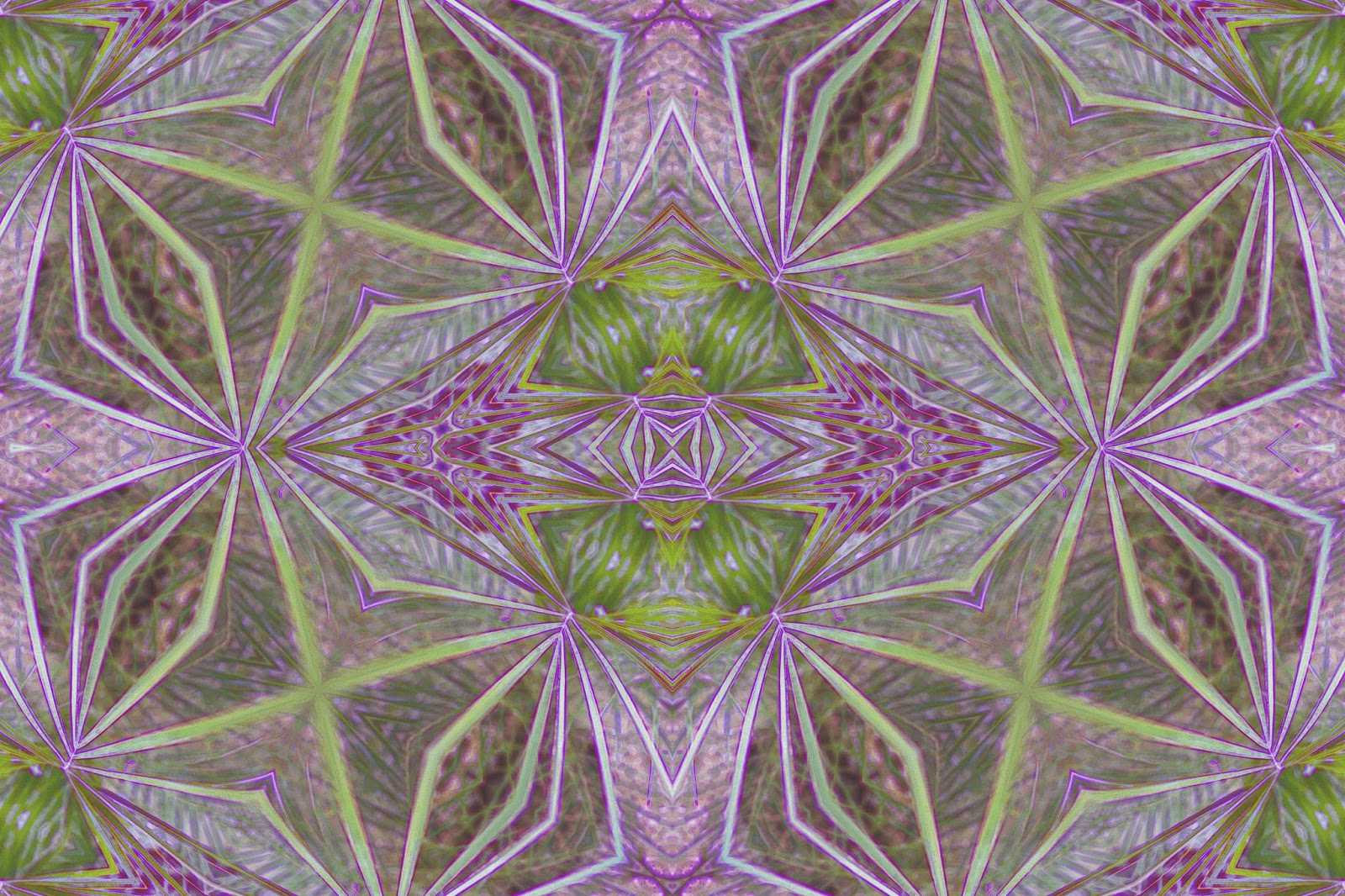
Here are a few things I did work on over the summer. From just one photo I took, I made these. I did take more photos than this one, but this one was a pretty one for creating digital fusion.
My Portfolio
Showing posts with label digital fusion. Show all posts
Saturday, October 1, 2016
Friday, April 24, 2015
Fine Art America, Anne Geddes, and Genealogy
If you are interested in fine art, I am sure you have probably seen the Fine Art America website. If not, you can click here to check it out. As I was researching ways to learn more about selling my artwork, I saw something about Fine Art America I hadn't seen before so I decided to look into it. As I did so, I noticed something else that really surprised me. Anne Geddes, America's favorite baby photographer sells her work on Fine Art America. That sold me on it so tonight I joined the other artists there and created my own profile, uploading nine (9) of my newest pieces. A really cool thing about this site is that you can set it to connect and post to your Facebook and Twitter accounts automatically every time you upload a new piece of artwork. That takes a load off the work of marketing for yourself. Not only that, the website is free to join, and allows you to sell directly to the buyer through email which keeps it all free for the artist and buyer as far as the website goes. However, you can also sell through the website and have your art put on everything from greeting cards, to throw pillows, to duvets, and even smart phone cases and more. And as the artist, you don't have to do anything to make sure the purchaser gets their product. So, now I am looking forward to seeing how this thing works out. Before I had completed all my nine uploads, I had already noticed that 38 people had viewed my profile.
One of the parts of this fine art sales that bothers me is the business side of things. In fact, this was what I was researching so I could learn more about it. When I first submitted to Xanadu, I have to admit that I knew basically nothing about gallery sales or even fine art sales. I was looking in totally different directions at the time. So, even knowing how much I hate the business side of art, I knew I needed to do something to help me grow and learn more. This is one thing that Fine Art America is already helping me with. When I set my prices, I only have to figure out what I want to get out of each sale that is mine to keep (before taxes, of course.) When setting my prices for art galleries, I need to know what their commission is, as well as all the other things like the cost of production, etc. But with Fine Art America, you set the amount you want for yourself, and they show you the mark-up and the final cost to the buyer.
Another thing that totally shocked me as I looked over Anne Geddes profile was her low prices. I found her own website and her prices are very low for her beautiful photographs. I clicked on her puzzles link and that took me to Amazon which also has her items priced very reasonably. I was very impressed.
Oh! I have to add this side note which is really quite exciting for me and that is that during my recent trip back down genealogy lane this past week, I "met" a long distant cousin and we have been emailing back and forth ever since. And get this...she is a photographer!!! Truly amazing and wonderful. It seems that art is in our genes as we both know others in the same lineage that are artistic in nature.
One of the parts of this fine art sales that bothers me is the business side of things. In fact, this was what I was researching so I could learn more about it. When I first submitted to Xanadu, I have to admit that I knew basically nothing about gallery sales or even fine art sales. I was looking in totally different directions at the time. So, even knowing how much I hate the business side of art, I knew I needed to do something to help me grow and learn more. This is one thing that Fine Art America is already helping me with. When I set my prices, I only have to figure out what I want to get out of each sale that is mine to keep (before taxes, of course.) When setting my prices for art galleries, I need to know what their commission is, as well as all the other things like the cost of production, etc. But with Fine Art America, you set the amount you want for yourself, and they show you the mark-up and the final cost to the buyer.
Another thing that totally shocked me as I looked over Anne Geddes profile was her low prices. I found her own website and her prices are very low for her beautiful photographs. I clicked on her puzzles link and that took me to Amazon which also has her items priced very reasonably. I was very impressed.
Oh! I have to add this side note which is really quite exciting for me and that is that during my recent trip back down genealogy lane this past week, I "met" a long distant cousin and we have been emailing back and forth ever since. And get this...she is a photographer!!! Truly amazing and wonderful. It seems that art is in our genes as we both know others in the same lineage that are artistic in nature.
Tuesday, April 14, 2015
Digital Fusion With a Pineapple, a Camera, and a Computer
Pineapple is so good to eat. But have you ever photographed a pineapple? Okay, so what's so special about photographing a pineapple? And what is this thing called "Digital Fusion?"
Well, let's start with the last question first. "Digital Fusion" is what I call the art that I create using my camera and my computer, specifically my Corel Paint Shop X5 photo editing program. Over the past years as I have progressed in this specialty, I have felt hard pressed to know what to call what I do. It's photography, yet once I am finished creating, it doesn't look much like photography anymore. It's not actually digital painting either. I really enjoy cooking shows, especially Gordon Ramsay's shows, and one of the things I have learned from those shows is that when you mix different styles of cooking together, say Indian and Mexican for example, it is called "fusion." So, one day I was thinking that what I do is totally digital since I use a digital camera and everything else is done on my computer, and I am definitely fusing different things together. Hence, the name "Digital Fusion" came to my mind. I don't know if anyone else has ever used that terminology before or not, but I know for myself, I finally feel that I have found the right name and description of my art.
So, okay then, what about this pineapple and what are you going to do with it? Well, I 'm glad you asked. Let me show you.
Starting with these 4 photos, let's see what happens when I start using Paint Shop with them. First let me say that I have added a great many more filters that you can find online for free just by looking. The filters are plug-ins that help me create the art I so enjoy. I didn't really do anything with the photo of the actual pineapple...yet anyway. But I wanted to show you the different colors available from the pineapple itself. Mostly I worked with the photo of the leaves, and the bottom photo of the single segment of the side of the pineapple. You can see more here.
These 3 examples above show the vast amount of color that was provided just by the one photo of the pineapple leaves. Be sure to click on each photo to see it enlarged for better detail. My favorite among these is the center one, which I call "Florets"
Next, let's take a look at examples of digital fusion using the single segments of the pineapple skin. With the first one, I got these final pieces of art.
The second of the above examples is actually the cropped version of the first one so that the cross itself is the main focus. I have been using a Kaleidoscope plug-in to try to come up with different styles of crosses, and this is just one of many examples.
Now let's move on to the final individual segment of pineapple skin. It is more in focus and also has a larger variety of colors in the palette.
As you can see from these 4 examples above, the colors can be changed during processing. All of these kept the brick texture simply because I liked the look it presented.
So, there you have it. What I call "Digital Fusion" and why I call it that. It doesn't matter what I might find to photograph to start with. Everything has options to be used as a final digital fusion piece of art. With God as the Master Painter, the color palette provided by nature cannot be topped.
Well, let's start with the last question first. "Digital Fusion" is what I call the art that I create using my camera and my computer, specifically my Corel Paint Shop X5 photo editing program. Over the past years as I have progressed in this specialty, I have felt hard pressed to know what to call what I do. It's photography, yet once I am finished creating, it doesn't look much like photography anymore. It's not actually digital painting either. I really enjoy cooking shows, especially Gordon Ramsay's shows, and one of the things I have learned from those shows is that when you mix different styles of cooking together, say Indian and Mexican for example, it is called "fusion." So, one day I was thinking that what I do is totally digital since I use a digital camera and everything else is done on my computer, and I am definitely fusing different things together. Hence, the name "Digital Fusion" came to my mind. I don't know if anyone else has ever used that terminology before or not, but I know for myself, I finally feel that I have found the right name and description of my art.
So, okay then, what about this pineapple and what are you going to do with it? Well, I 'm glad you asked. Let me show you.
Starting with these 4 photos, let's see what happens when I start using Paint Shop with them. First let me say that I have added a great many more filters that you can find online for free just by looking. The filters are plug-ins that help me create the art I so enjoy. I didn't really do anything with the photo of the actual pineapple...yet anyway. But I wanted to show you the different colors available from the pineapple itself. Mostly I worked with the photo of the leaves, and the bottom photo of the single segment of the side of the pineapple. You can see more here.
These 3 examples above show the vast amount of color that was provided just by the one photo of the pineapple leaves. Be sure to click on each photo to see it enlarged for better detail. My favorite among these is the center one, which I call "Florets"
Next, let's take a look at examples of digital fusion using the single segments of the pineapple skin. With the first one, I got these final pieces of art.
The second of the above examples is actually the cropped version of the first one so that the cross itself is the main focus. I have been using a Kaleidoscope plug-in to try to come up with different styles of crosses, and this is just one of many examples.
Now let's move on to the final individual segment of pineapple skin. It is more in focus and also has a larger variety of colors in the palette.
As you can see from these 4 examples above, the colors can be changed during processing. All of these kept the brick texture simply because I liked the look it presented.
So, there you have it. What I call "Digital Fusion" and why I call it that. It doesn't matter what I might find to photograph to start with. Everything has options to be used as a final digital fusion piece of art. With God as the Master Painter, the color palette provided by nature cannot be topped.
Subscribe to:
Posts (Atom)